
A life list for paperbacks.
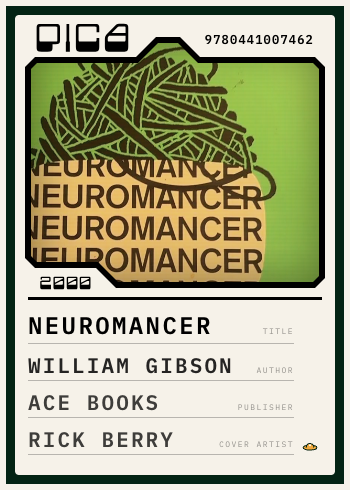
Scan a book. Pica finds the printing and files your copy as a card.
How it works
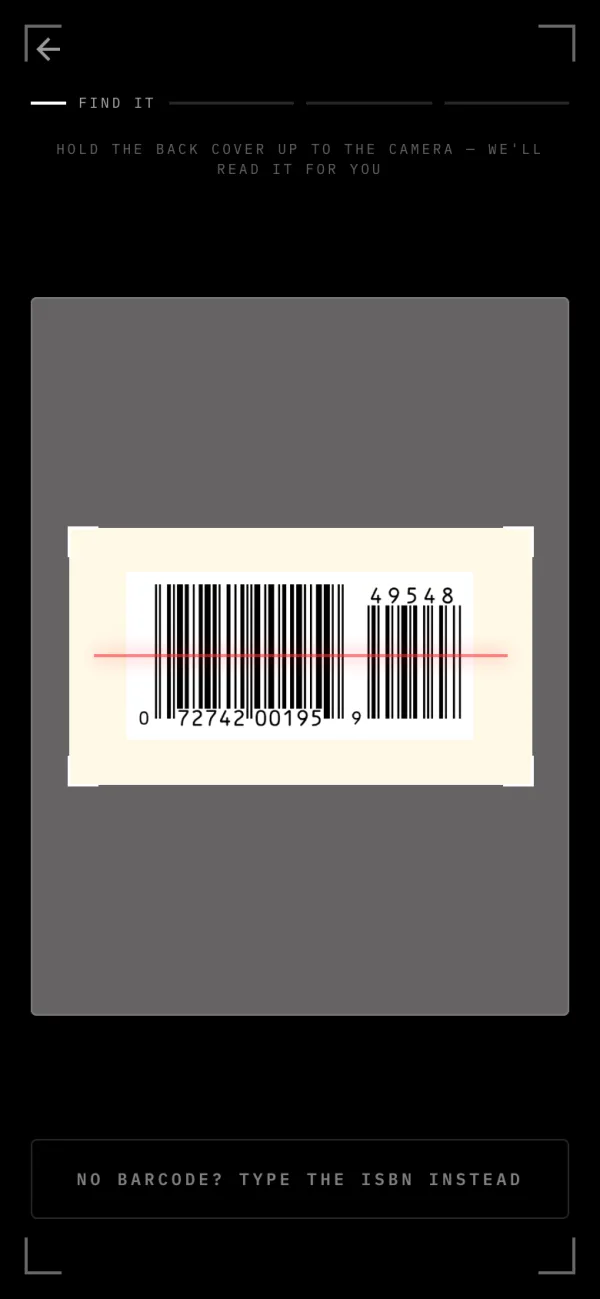
1 Scan the barcode
Hold the back cover up to the camera. No barcode? Type the ISBN, or search the title.
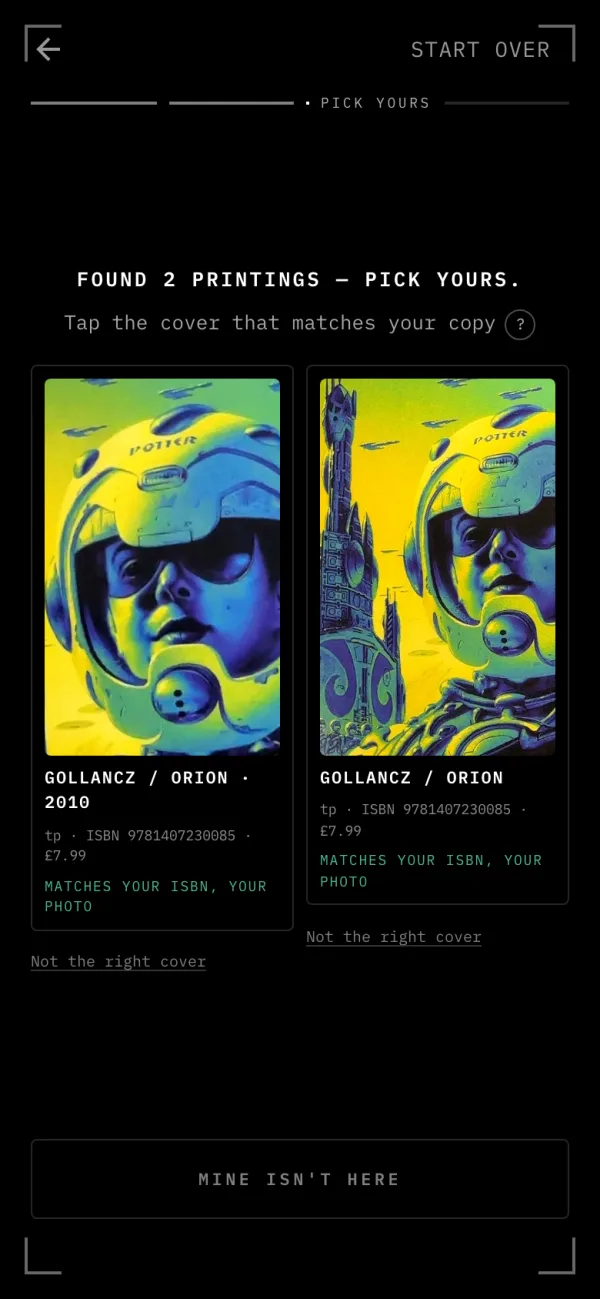
2 Pick your printing
Pica shows the printings that match, with their covers. Tap yours, or answer a question or two.
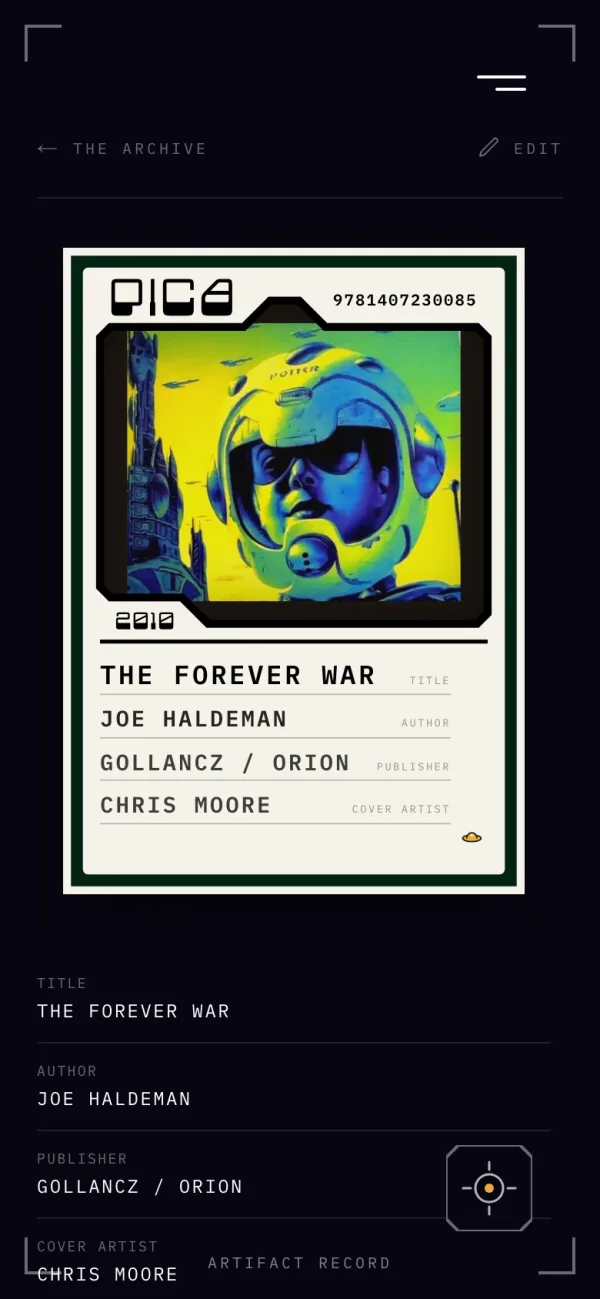
3 Filed, with its history
Your copy becomes a card in your archive, and the Library tells you where that printing sits in the book's history.
Every paperback is a sighting: one copy, of one printing, found somewhere, on some day. Pica keeps the record. The shelf was always an archive. It just never kept notes.